FREE
Chrome Tab Manager

Manage tabs, links, and notes in one Chrome workspace.
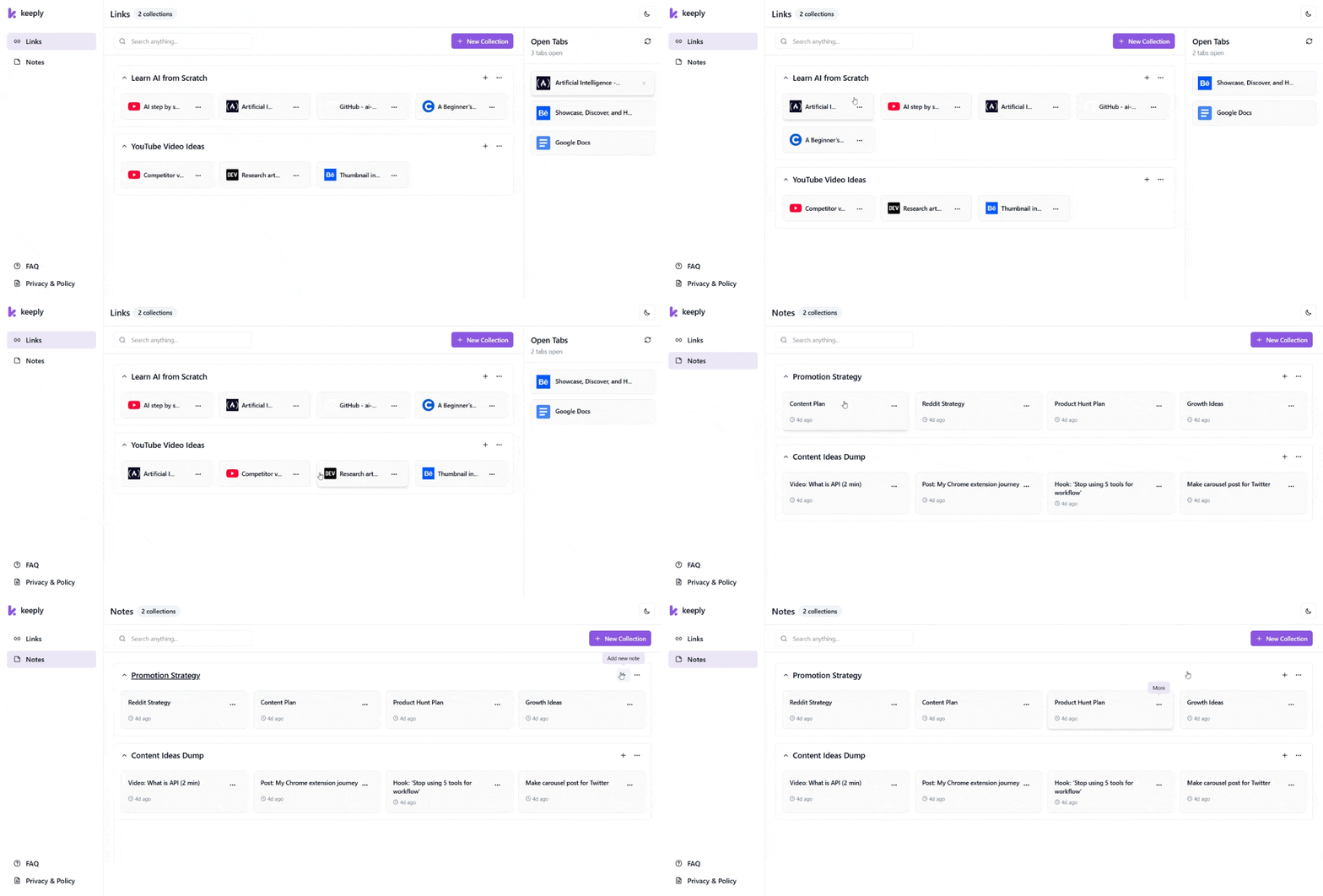
Save open tabs, organize links, add quick notes, and find everything fast with Keeply.

Your browser shouldn't be your memory.

Keeply turns tab clutter, scattered links, and loose notes into a browser workspace you can trust.
TAB OVERLOAD

Close tabs without losing context.

Save a tab session, close the clutter, and reopen the right context when work resumes.
LOST CONTEXT

Keep the “why” with every link.

Add quick notes to saved links so every resource still makes sense later.
SCATTERED PROJECTS

Give every project its own workspace.

Separate client work, research, study, and personal browsing with collections and workspaces.
SLOW RETRIEVAL

Find saved work in seconds.

Search saved links and notes instead of digging through tabs, bookmarks, or browser history.

A Chrome tab manager built for real browser work.

Save tabs, organize links and notes, search fast, and sync only when you choose.
ORGANIZE

Smart Collections & Workspaces

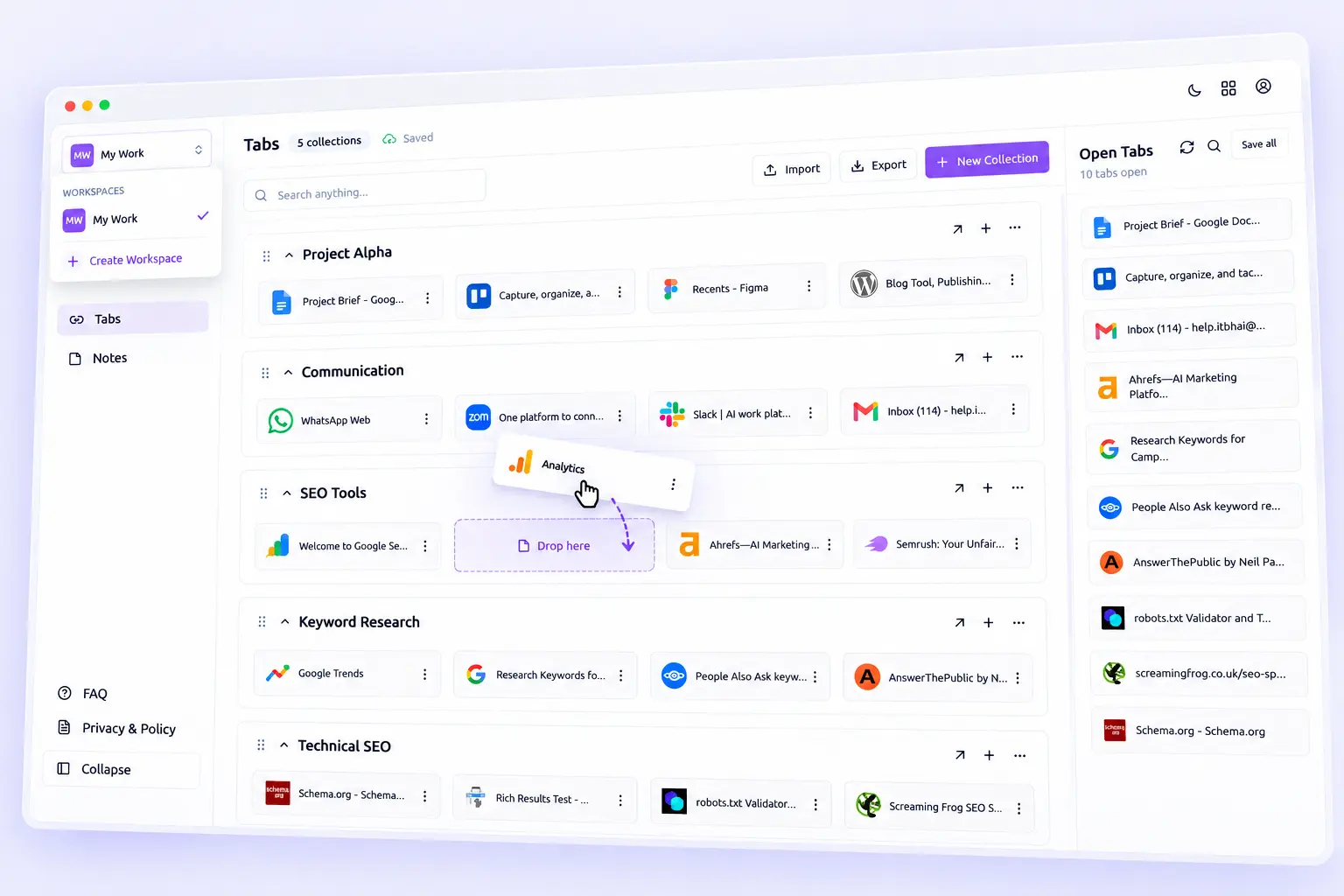
Group tabs, links, and notes by project. Drag, drop, and keep every workspace clear.
Keeply collections and workspaces product UI placeholder
NEW TAB

Turn Every New Tab Into Your Dashboard
Make your new tab page a clean dashboard for the work you return to most.
Keeply new tab dashboard product UI placeholder
TABS

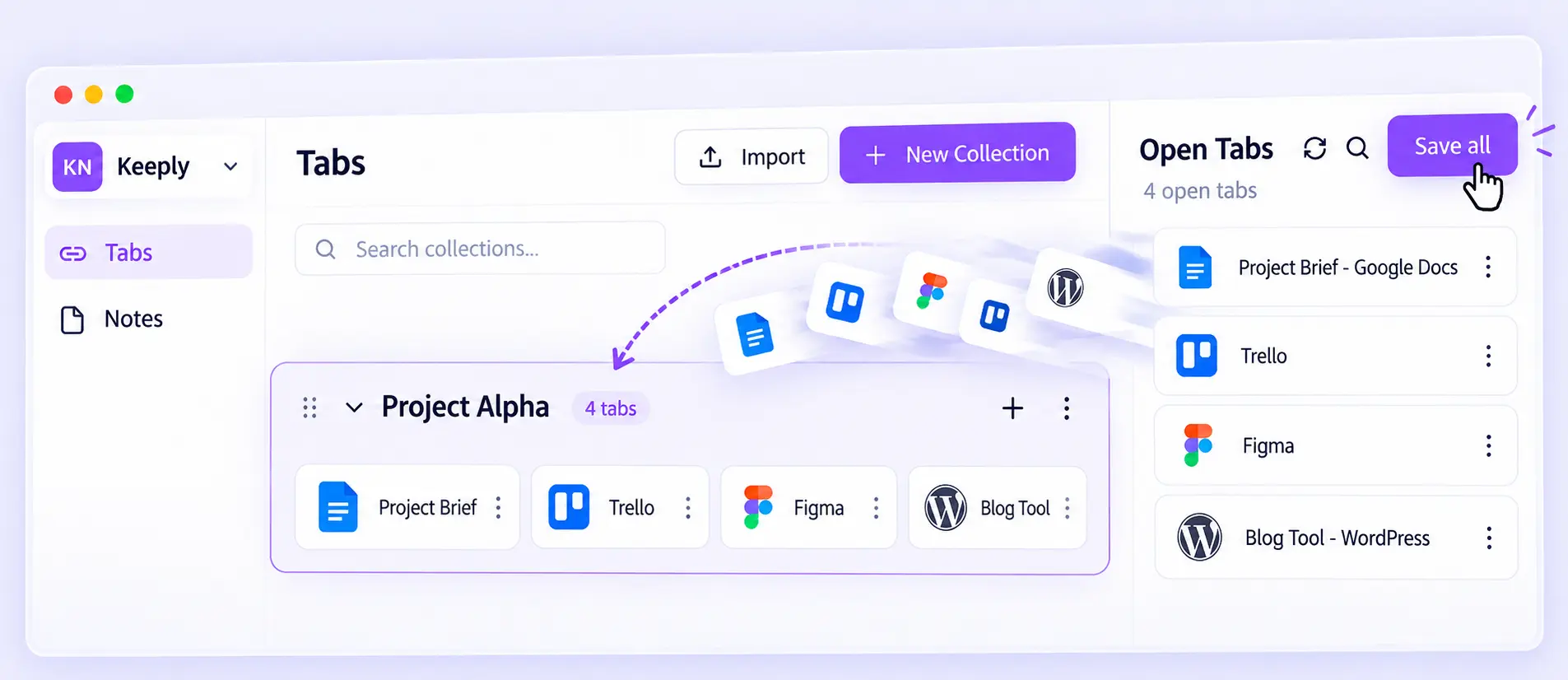
Save Open Tabs Together

Save every open tab to a collection, then close the window without losing context.
Keeply save open tabs product UI placeholder
SEARCH

Find Saved Work Instantly

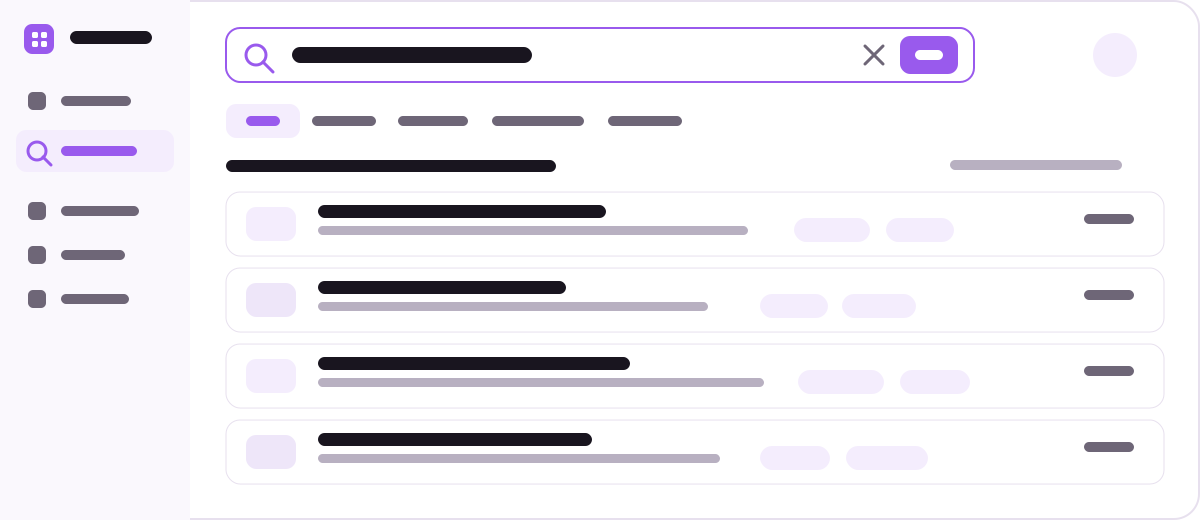
Search saved links and notes from one place and get back to work faster.
Keeply instant search product UI placeholder
PORTABILITY

Move or Sync Your Workspace

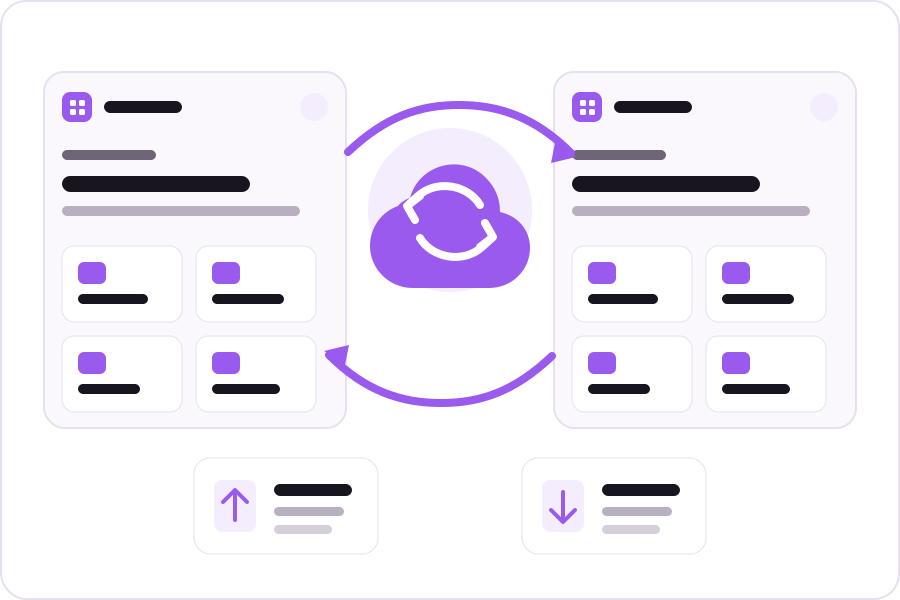
Export, import, or enable optional cloud sync when you need Keeply on another device.
Keeply import export and sync product UI placeholder

Save it once. Find it fast.

Capture tabs, links, and notes while browsing, then return to the same context later.
01

Capture what matters

Save tabs, links, or a quick note without breaking your flow.
02

Organize it once

Group each save in the right collection or workspace.
03

Pick up where you left off

Open a new tab or search Keeply to continue where you stopped.
Keeply workflow showing capture, organize, and find saved browser work

One browser workspace for every kind of work.

For research, development, content, client work, and everyday browsing.
DEVELOPERS

Keep docs, GitHub, issues, and notes together.

Keep each build’s references and notes in one workspace.
RESEARCH & LEARNING

Turn research tabs into a useful library.

Save articles, tutorials, papers, and notes by topic.
CREATORS & MARKETERS

Keep sources, ideas, and examples connected.

Collect research, references, inspiration, and notes together.
MULTI-PROJECT WORK

Switch projects without losing context.

Keep each client or project in its own workspace.

Local first. Sync only when you want.

Keeply stores your core workspace locally. Sign in only if you want cloud sync across devices.

Local storage by default

Tabs, links, notes, collections, and settings stay on your device by default.

No account required

Use Keeply locally without creating an account.

Cloud sync is optional

Enable sync only when you want the same workspace on multiple devices.

No browsing-history collection

Keeply saves what you choose, not a browsing-history profile.

Turn browser clutter into a system you can reuse.

Keeply saves the context around your work, not just another pile of links.
WITHOUT KEEPLY

Open tabs become your reminder system.

Keep tabs open because closing them feels risky.
Save links without the “why.”
Write notes somewhere else.
Search for the same resources again.
WITH KEEPLY

Your work stays ready to resume.

Save tab sessions and close the clutter.
Keep links and notes in the same workspace.
Organize work with collections and workspaces.
Search once and continue where you stopped.

Keeply FAQ

Answers about Keeply, Chrome tab management, saved links, notes, workspaces, and optional sync.

Keeply is a Chrome productivity extension for organizing browser tabs, saved links, quick notes, collections, and workspaces in one place. It also provides a new tab dashboard so your saved context is easy to reach while you browse.

Yes. Keeply can display your currently open browser tabs so you can save the tabs you choose into collections as links. When a tab is saved, Keeply stores its URL, title, and favicon.

Keeply overlaps with both, but its goal is broader. It combines link saving, open-tab capture, quick notes, collections, workspaces, search, and a new tab dashboard so the resource and its context can stay together.

No. An account is optional. You can use Keeply in local mode without creating an account. Account features are used when you choose optional cloud synchronization.

By default, saved links, notes, collections, and extension settings are stored locally on your device using Chrome storage. If you enable Cloud Sync, the data you choose to synchronize is also stored through Keeply's sync infrastructure so it can be available across your signed-in devices.

No. Keeply is designed to save the links, tabs, notes, and collections that you explicitly choose to keep. Its privacy policy states that browsing history is not collected for profiling or advertising.

Yes. Keeply provides its own new tab dashboard so you can quickly reach your saved collections, links, notes, and workspace whenever you open a new tab.